
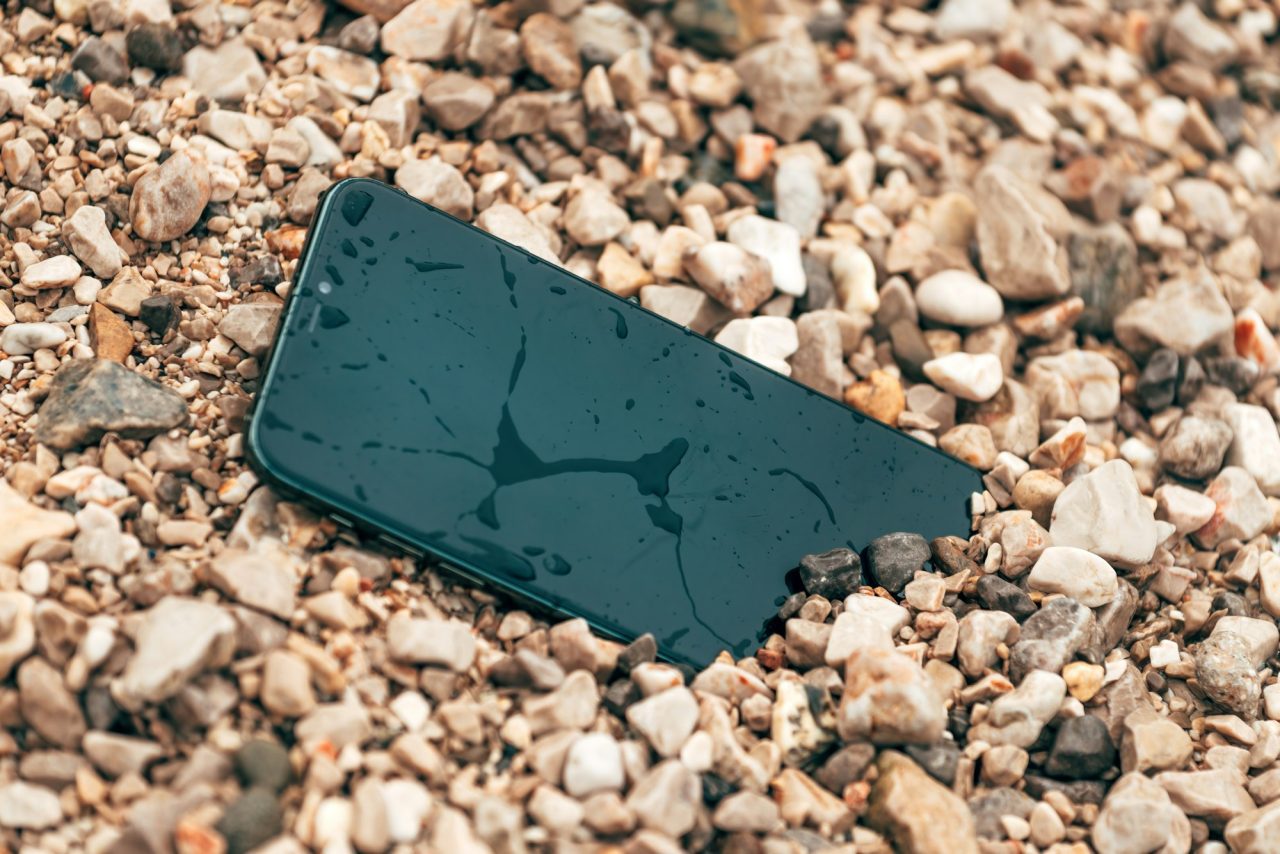
A phone that slips into the pool, gets soaked at the beach or rides home in a wet pocket after a summer downpour is one of the most common emergencies we see in Tampa. The good news: what you do in the first few minutes can make a real difference. Here is a practical, no-nonsense guide to handling a wet phone, plus when it makes sense to bring it in for water damaged phone repair in Tampa.
Why Tampa phones get wet so often
Living on the Gulf Coast means water is part of daily life. Phones end up in pools and hot tubs, get splashed on boats and kayaks, take a tumble at Clearwater or Ben T. Davis Beach, or get caught in one of our afternoon summer storms. Even sitting in a hot, humid car or a steamy bathroom exposes a phone to moisture. Salt water and pool water are especially rough on electronics because the minerals and chemicals they carry can speed up corrosion once they get inside.
What to do right away
If your phone just got wet, work through these steps calmly and in order:
- Get it out of the water and power it off. If it is still on, turn it off as soon as you can. Electricity flowing through wet components is what causes many short circuits.
- Do not plug it in. Skip charging, wireless chargers and accessories until the phone is fully dry. Connecting power to a wet charging port can damage the port and the board behind it.
- Remove the case and the SIM tray. Cases trap water against the phone. Taking out the SIM tray lets air reach one more opening.
- Wipe it down and drain it. Use a soft, lint-free cloth or towel to dry the outside. Gently tap the phone with the charging port facing down to let trapped water run out.
- Let it air dry in a dry spot with good airflow. Place it somewhere cool and dry, ideally in front of a fan blowing cool air, rather than in a hot car or in direct sun.
- If it was salt water, chlorinated or sugary liquid, get it inspected soon. These leave residue behind that keeps working on the components after the phone looks dry.
What not to do
A lot of popular advice can actually make water damage worse. Avoid these:
- Don’t rely on a bag of rice. Apple itself advises against putting a wet iPhone in rice, because small particles of rice can get into the phone and damage it. Rice also does not stop corrosion that has already started inside.
- Don’t use heat. Hair dryers, ovens, microwaves and heat guns can warp parts, damage the battery and push water deeper into the phone.
- Don’t use compressed air. Blasting air into the ports can force moisture further inside.
- Don’t poke cotton swabs or paper towels into the ports. Fibers can get stuck in the charging port or speaker grilles.
- Don’t keep testing it. Repeatedly turning a wet phone on and off, or pressing every button to see what works, risks shorting it.
Why “it seems fine” isn’t the end of the story
One of the trickiest things about water damage is that a phone can work normally for a few days or weeks and then start acting up. Minerals left behind after the water evaporates can slowly corrode connectors and components on the logic board. Common delayed symptoms include:
- The phone won’t charge, or only charges at certain angles
- Speakers or microphone sound muffled or crackly
- Fogging or spots under the screen, or touch that stops responding in areas
- Camera that won’t focus or shows haze
- Battery that drains fast, gets hot or shuts the phone off unexpectedly
- Random restarts or the phone not powering on at all
That is why it is worth having a technician open the phone and check for moisture and corrosion even if it seems to have survived. Catching it early often means a simpler fix. If your charging port is already acting up, see our charging port repair page.
Back up your data while you can
If your phone still turns on after it has dried, back it up as soon as possible. Make sure your photos, contacts and messages are syncing to iCloud or Google, or back it up to a computer. Water damage can get worse over time, so it is smart not to wait.
If the phone won’t turn on and your photos were not backed up, don’t give up on them. Our data recovery services can often help get important files off a damaged device, depending on its condition.
Water resistance is not waterproof
Many newer iPhones and Samsung Galaxy phones carry an IP water-resistance rating, but that rating is not permanent and it does not mean the phone is waterproof. The seals that keep water out can weaken with normal wear, drops and age, and after a screen or battery replacement. Water resistance is also tested in fresh water in lab conditions, not in salt water, chlorinated pools or while swimming. Treat any phone that has been submerged as potentially wet inside, whatever its rating, and keep it away from water as much as you can.
A few habits that help Tampa phone owners
- Use a sealed waterproof pouch at the beach, on the boat or at the pool
- Keep your phone in a zip-top bag in your pocket or bag during rainy season
- Don’t take your phone into the shower or hot tub, where steam can get inside
- Turn on automatic cloud backups so a wet phone never means lost photos
Get your wet phone checked at Cellphone MD
Cellphone MD has been repairing phones in Tampa since 2010. If your phone has been in the water, bring it in and we will take a look, check for moisture and corrosion and explain your options. Most repairs are done the same day, and our repairs carry a 90-day warranty. We work on iPhones, Samsung phones and iPads. Learn more on our water damage repair page, browse our phone repair FAQ, or contact us online.
Cellphone MD
2086 W Busch Blvd, Tampa, FL 33612 (between N Rome Ave and N Armenia Ave)
Call (813) 333-6655